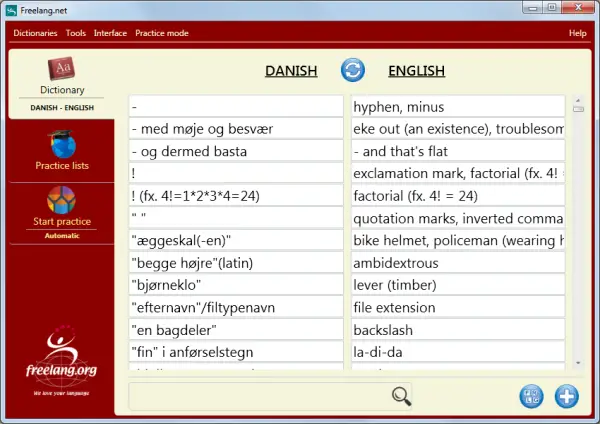







Freelang dictionary is a freeware program for Windows. It is very easy to install: pick up a language, then download and install the program and the word list. Once the program has been installed, you can download and install as many word lists as you want. Read our installation manual for more information or for troubleshooting.
With our dictionary you can:
- Browse the list
- Look up a word in the list
- Add your own words
- Edit or delete an entry
- Learn words at your own rhythm from a personal learning list
- Record the pronunciation of words
- Browse a text file and see the translation of words
- Create new word lists
For more information about how those features work, please see the user manual (also available via the Help menu of the program.
Please note that Freelang is a project based on users' contributions. We shall take no responsibility in the event of damages resulting from the presence of mistakes in word lists. To download and use the program, you must first read and accept the terms of our copyright notice.
Screen shot 1: Search window
You can look up a word by typing its first letters, and reverse the wordlist by clicking on the double arrow icon.
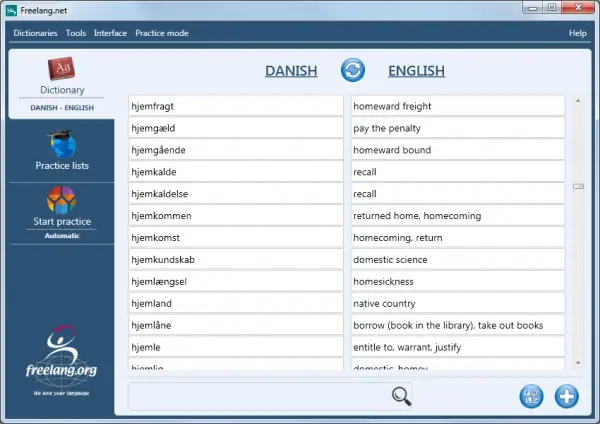
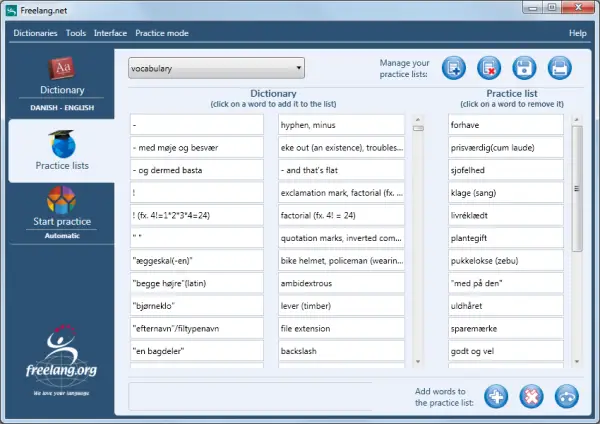
Screen shot 2: Practice lists
Build personal learning lists by adding words manually, randomly, or by adding all the words of the dictionary.
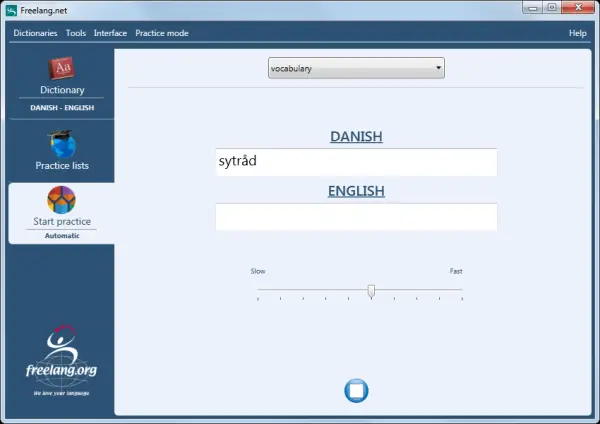
Screen shot 3: Learning
In Interactive mode, you have to type the answer yourself, whereas in Automatic mode, the answer is given to you after a delay that you can set.
Screen shot 4: Customization of the interface
The background colors and the size of the font can be changed.